




Fast, Frictionless & Modern: The Meme Generator You Deserve
In the fast-moving landscape of internet culture, timing is everything. When a breaking viral news event, hilarious tech fail, or cultural milestone occurs, the window to post the definitive reaction meme is measured in minutes, not hours. Yet traditional online meme generators have become clogged with bloated user interfaces, mandatory account creation walls, slow server-side render queues, and invasive branding stamps.
MemeMaker was engineered from the ground up to eliminate every single point of friction. By leveraging client-side WebAssembly, modern CSS, and hardware-accelerated HTML5 Canvas rendering, MemeMaker delivers instantaneous interactive editing right in your web browser. You can select an iconic template, type your punchline, customize formatting, and save a crystal-clear PNG image in under ten seconds flat. No credit card, no registration captcha, and zero watermarks stamped onto your joke.
Select or Upload
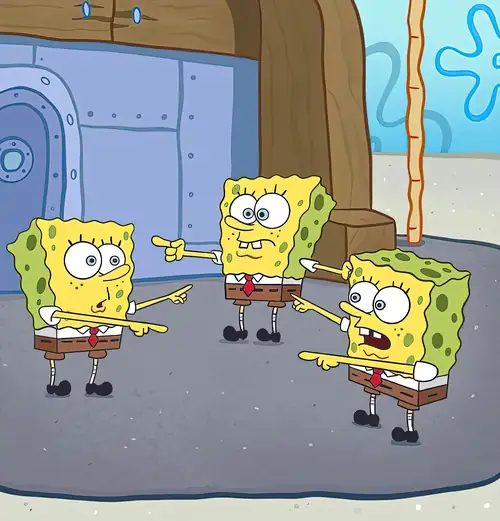
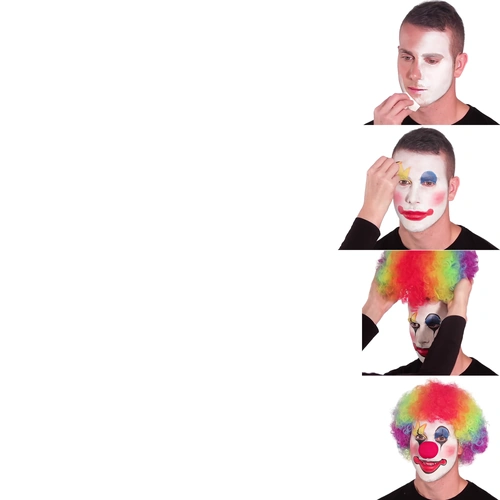
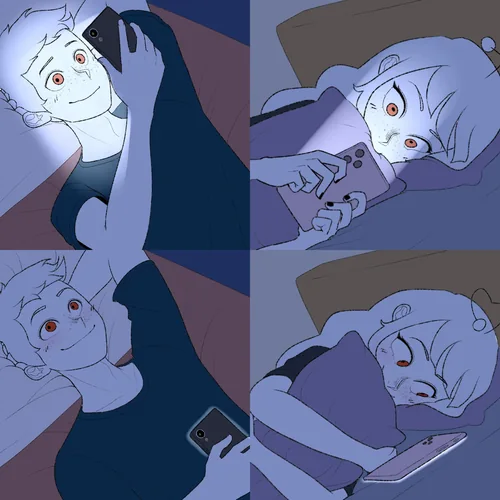
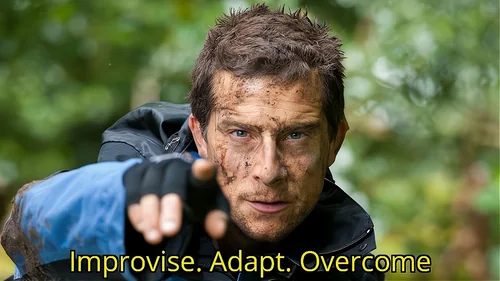
Browse through hundreds of curated meme templates spanning timeless reaction classics to current trending formats. Have your own funny photo, screenshot, or graphic? Simply drag and drop it into the browser window to instantly launch the editor.
Customize Captions
Craft your punchline with total typographic flexibility. Position top and bottom captions, add free-floating text labels, switch between classic bold all-caps Impact font and modern sleek typefaces, and tweak outline stroke thickness and shadow depth.
Download & Share
Export your completed masterpiece with a single click. Download full-resolution, high-definition PNG or WebP images ready to share instantly on Twitter, Reddit, Instagram, TikTok, LinkedIn, Discord communities, or Slack channels.
Pro Tips for Crafting High-Impact, Viral Memes
Great memes strike a delicate balance between relatable humor, visual clarity, and typographic punch. To ensure your creations resonate and earn maximum engagement, keep these core principles in mind:
- High-Contrast Readability: White text with a thick black stroke is the golden standard for classic internet memes because it remains readable over any light or dark background photo. MemeMaker applies this stroke by default so your text never disappears into the graphic.
- Brevity Is the Soul of Wit: Keep setup captions punchy. The best memes deliver their comedic reversal in just a handful of words. If a caption feels crowded, trim adjectives or split the thought across top and bottom placements.
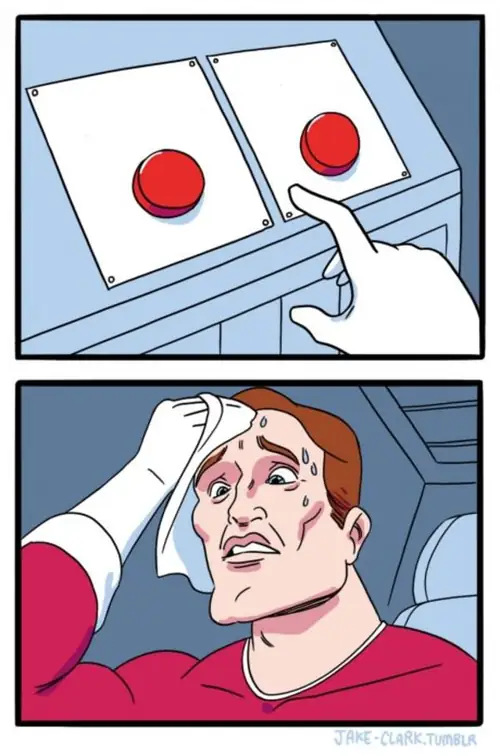
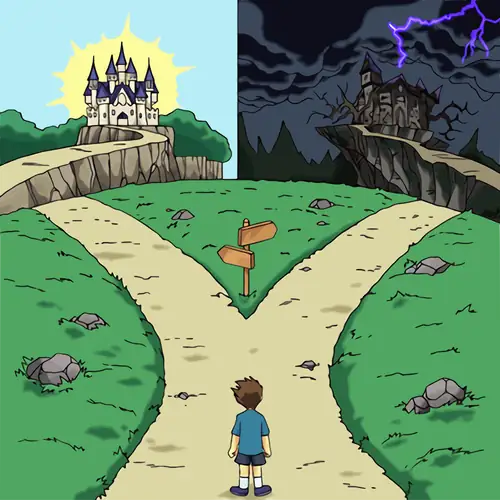
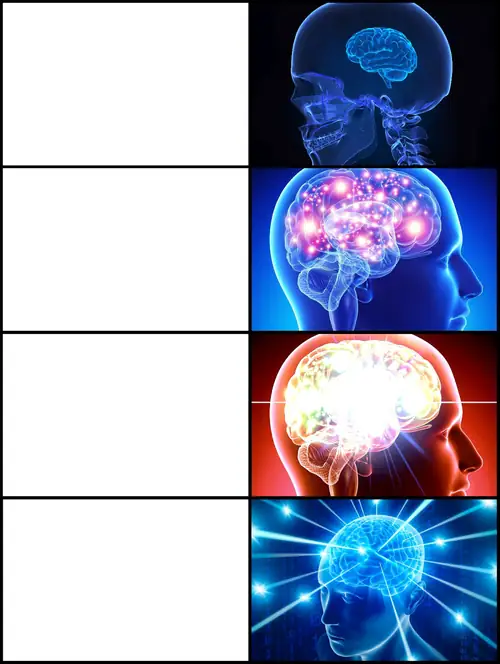
- Pick the Right Emotional Template: Match the nuance of your joke with the template's underlying emotion. Use Two Buttons for difficult dilemmas, Disaster Girl for chaotic schadenfreude, Distracted Boyfriend for fleeting desires over sensible choices, and This Is Fine for stubborn optimism amidst unfolding disaster.
- Context Matters: Tailor your humor to your audience. A meme destined for a tech Discord server thrives on inside developer jargon, whereas a meme created for a broader audience should tap into universal everyday frustrations.
Built for Social Media Managers, Marketers & Educators
Memes are no longer confined to hobbyist message boards; they have evolved into the most engaging communicative medium on the contemporary internet. Forward-thinking brands, startup founders, community managers, and university educators use memes to humanize their messaging, simplify complex technical concepts, and build authentic connections with digital-native audiences.
Because MemeMaker provides clean, unwatermarked exports, professionals can safely produce branded social campaigns, internal team sprint review humor, and presentation slide decks without embarrassing third-party logos stamped across their graphics. With lightning-fast local processing, you spend your creative energy perfecting the joke rather than wrestling with heavy graphic design software like Photoshop or Canva.
Universal Device Support & High-Speed Web Performance
Whether you are designing on a desktop widescreen monitor, a tablet on your couch, or a mobile phone on the go, MemeMaker adapts seamlessly to your screen size. The user interface features fluid gesture controls, responsive touch targets, and automatic layout scaling.
Our lightweight architecture ensures ultra-fast initial page loads under 300 milliseconds with minimal battery and memory overhead. No heavy downloads or background background bloatware—just open the browser tab, make the meme before the trend passes, and get right back to what you were doing.